
Yes, a small shop can use AI for product photos and look far more professional on a small budget. The tools are cheap and fast: upload a phone photo and get a clean background, balanced lighting and a staged scene in seconds. The catch is that customers punish deception. If the product that arrives does not match the picture, trust breaks and the review that follows is harsh. The safe rule is simple: let AI polish a real photo of the real product, and never let it invent what you sell. This article explains what these tools do, where the line sits between polish and deception, and a workflow that keeps a small shop on the right side of it.
What AI product photo tools actually do
AI product photo tools do not take pictures. They improve pictures you already took. You start with a phone photo of the real item, and the software cleans up how it looks or changes everything around it. These tools perform three jobs, and understanding each one makes it easier to use them well and to spot when a result has gone too far.
Backgrounds
Background replacement is the oldest and most reliable trick these tools offer. The tool cuts your product out of its original surroundings and places it on a clean white background, which is what most marketplaces expect for the main listing image. You can also drop the product into a generated scene, such as a candle on a wooden table by a window. Cutouts are excellent on products with clear edges, but glass, fur and anything translucent are harder, so check the edges at full size before you publish.
Lighting
The second job is lighting correction. A phone photo taken under warm indoor lights comes out yellowish and flat, and the tool rebalances the color, lifts the shadows and sharpens the detail so the product reads clearly on a small screen. The better tools also generate a realistic shadow under the product that matches the new background, which is the detail that sells the illusion. When the shadow looks wrong, the whole image feels fake, so check it before you publish.
Staging
Staging is the newest and most creative job. Some tools let you drag your product onto a canvas and arrange generated props around it, while others build a full scene from a text description or a preset template. A few can place clothing on AI-generated models so a small clothing label can show a garment worn without booking a shoot. Most tools also handle the finishing work: resizing to marketplace dimensions, exporting in batches and keeping framing consistent across the catalog.
The trust line: polish versus deception
Customers judge a small shop by its photos, and they care how those photos were made. In Meltwater and YouGov’s Trust in the Age of Generative AI report, based on a survey of nearly 10,000 consumers across seven markets, 86 percent of consumers say AI-generated content should be disclosed, and 32 percent say they would trust a brand less if its content turned out to be AI-generated. Product photos sit right in the middle of that expectation, because a photo is a promise about what the customer will receive.

Polish is honest work. Removing a cluttered background, fixing yellow lighting and sharpening the detail help the customer see the product more clearly, and none of that changes what the product is. Deception starts the moment the edit changes the product itself: shifting the color so a terracotta vase looks coral, smoothing away a texture the customer will feel on arrival, hiding a flaw that matters, or misleading about its size. The practical test is straightforward. Compare the finished image with the item in your hand. If a customer would feel misled when the box opens, the edit went too far.
One habit protects you almost completely. Keep at least one plain, unedited photo in every listing gallery, next to the polished hero shot. Customers read that as confidence, and it gives the AI-enhanced images a truthful anchor. Our companion piece on the written side of AI-generated content makes the same argument for product descriptions: this article covers the visual half of that honesty question, and the two belong together in any shop’s playbook.
A practical workflow: from phone photo to listing-ready
You do not need a studio. A phone, a window and a free afternoon are enough, and the workflow below takes about ten minutes per product once you have done it twice. It keeps a human in charge at every step that matters. If you would rather hand the whole job to someone else, our Creative Studio builds listing-ready imagery for small shops.
Step 1: Shoot a clean source photo
AI edits can only polish what the camera captured, so the source photo deserves care. Place the product near a large window during daylight, with the light coming from the side. Put it on a plain white poster board or a clean table so the tool has an easy cutout. Take several angles, including one straight-on shot for the main image and one close-up that shows the material. Wipe the product and the lens first, because dust becomes very visible after the AI sharpens the image. If the product has a label, photograph it straight on so the wording stays legible.
Step 2: Run the AI edit
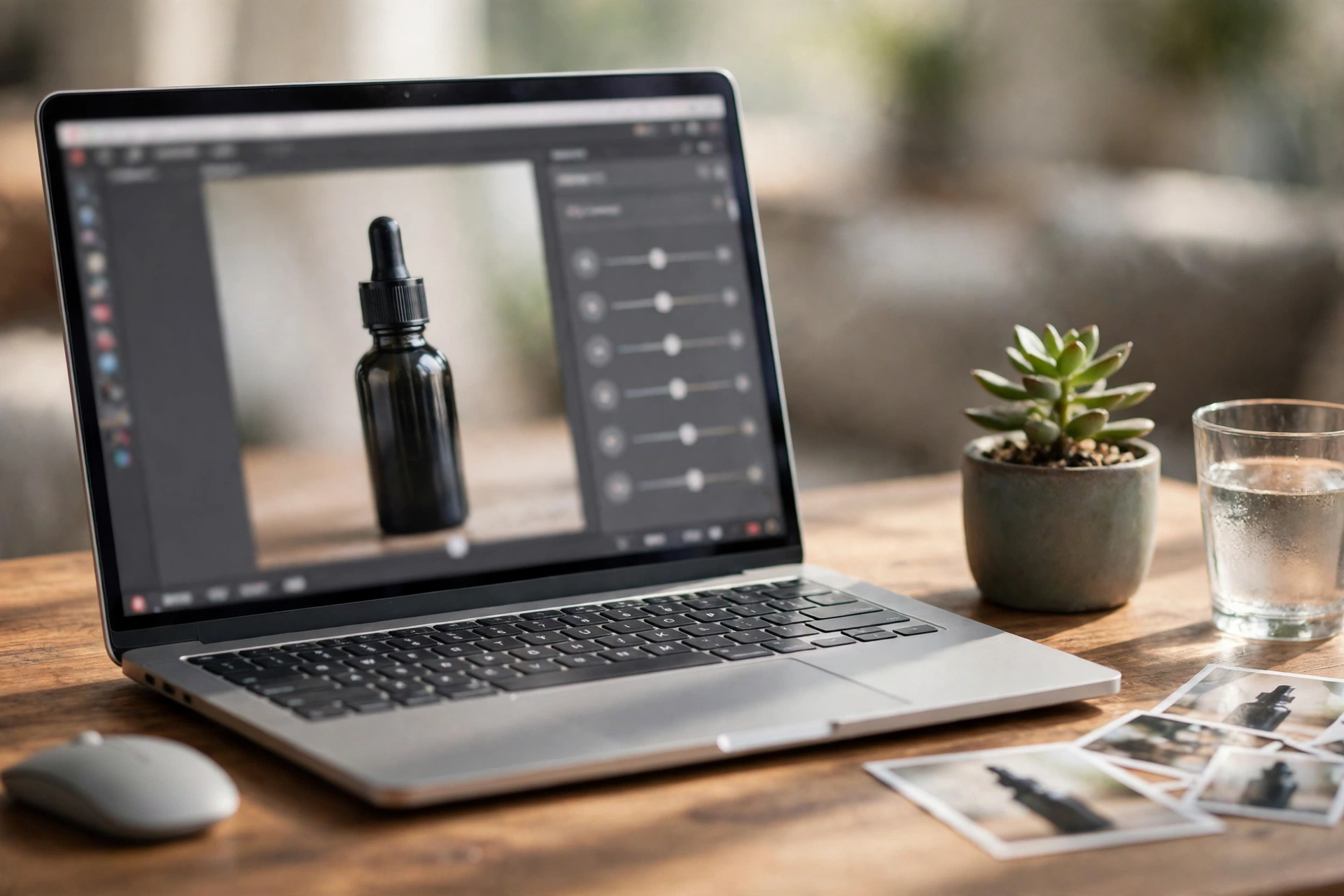
Upload your best source photo and apply the edits in this order: background first, then lighting, then staging. Pick scenes that match the real product and the real shop. A handmade soap belongs on a wooden shelf, not floating over a marble staircase. Reuse the same preset or prompt for every product, because consistency across the catalog is what makes a shop look professional: the same background style, the same light direction, the same framing. Most tools save your settings as templates, so the tenth product takes a fraction of the time the first one did. When the catalog grows, that repeatable pipeline is exactly the kind of work practical business automation is meant to absorb.
Step 3: The human check
Never publish an AI edit without a human review. Zoom in to full size and compare the finished image against the real product, checking four things. First, the color: does the product on screen match the product in your hand. Second, the shape and size: has the AI slimmed or stretched anything. Third, any text on packaging: generated scenes can redraw lettering into convincing-looking nonsense. Fourth, the shadows and reflections: they should fall in one consistent direction and look believable. If anything fails, fix it rather than hoping customers will not notice. Once the still images pass, a finished photo set becomes raw material for short product clips, and small-budget AI video ads are the natural next step.
Four tools, side by side
The table below compares the four tools most small shops choose between: what each one is best at, what the free tier gives you, and where paid plans start. Prices move often in this market, so confirm the current price on the vendor’s pricing page, linked from each tool name, before paying.
| Tool | Best for | Key features | Free option | Paid plans from |
|---|---|---|---|---|
| Photoroom | Quick background swaps and batch edits | Background removal, AI-generated backgrounds, batch mode, mobile app, Shopify integration | Free trial | About $7.50 per month, billed annually |
| Claid.ai | Catalog-scale edits and developer workflows | AI photoshoot scenes, background tools, bulk processing, brand kits, developer API | Free trial with a limited number of credits | About $9 per month, billed annually |
| Pebblely | Fast lifestyle scenes for beginners | Template and prompt-based backgrounds, automatic shadow matching, bulk generation on paid plans | No free plan; the Lite tier is the entry point | From $9 per month for 30 images |
| Flair.ai | Art-directed staging with manual control | Drag-and-drop scene builder, 3D props, custom AI models, team collaboration | Free tier with a small number of images | About $8 per month, billed annually |
The right pick depends on how you work. Photoroom suits the solo seller who edits on a phone and needs marketplace-ready images fast, with batch mode as the strongest reason to pay once the catalog grows. Claid.ai fits shops with large catalogs or a developer on hand, since the API can fold photo editing into the listing pipeline. Pebblely is the gentlest starting point: pick a template, upload, done. Flair.ai rewards the owner who wants to art-direct each scene rather than accept a template. All four keep the product itself intact when used carefully, which is the only feature that truly matters for trust. Start on a free tier, run your five hardest products through it, and pay for the one whose results pass the human check above.
Where AI photos work best, and where real photography still wins
AI product photography is not an all-or-nothing choice. The smartest shops use it where it shines and book a real camera where it does not.
Categories where AI shines
Simple, solid products are the sweet spot. Candles, mugs, packaged foods, cosmetics, stationery and home decor all have clear edges and consistent surfaces, which is exactly what background replacement handles well. Flat lays of grouped products work beautifully too, since the tool only tidies the surroundings. Jewelry can work but needs extra care with reflections, so budget time for manual touch-ups.
Where the camera still wins
Some products resist automation. Clothing is the hardest category, because fit and drape on a real body cannot be faked convincingly. Food photography still belongs to real cameras too, since appetite appeal lives in texture and gloss that AI tends to render as plastic. Anything where exact scale or color decides the purchase, such as paint or fabric swatches, should be photographed plainly with a coin for reference. And for handmade goods, the story of the maker’s hand is part of what the customer pays for, so real process photos alongside the polished listings will outsell pure AI imagery.
Frequently Asked Questions
Is it dishonest to use AI on my product photos?
It is not dishonest as long as the photo still describes the product truthfully. Cleaning up the background, fixing the lighting and sharpening the detail help the customer see what they are buying. It becomes dishonest when the edit changes the product itself, such as altering its color, hiding flaws or misrepresenting its size. Keep one unedited photo in each listing and you stay on safe ground.
Will customers be able to tell that a photo was edited with AI?
Sometimes they will, and that is fine. Customers are used to polished product photography, and they judge the photo against the product that arrives, not against some ideal of purity. What damages trust is not editing but mismatch: a photo that promises something the box does not deliver. If the product matches, nobody complains about a nicer background.
Should I disclose that I used AI on my product photos?
There is no rule that requires disclosure for basic cleanup like background removal and lighting correction, since that is standard photo editing by another name. For heavily staged scenes, a simple line in the listing such as “styled image, actual product shown in photo 3” is a cheap way to buy goodwill. When in doubt, disclose, because the cost of a sentence is nothing next to the cost of a trust complaint.
How does this relate to AI-generated product descriptions?
They are two halves of the same honesty question. This article covers the visual side: making photos look professional without deceiving the customer. The written side has its own rules about accuracy, tone and disclosure, which our companion guide to AI-generated content covers in full. A shop that gets both halves right earns a kind of trust that neither half can build alone.
Which tool should a small shop start with?
Start with a free tier or trial and your five hardest products. Photoroom’s free trial tests background removal and batch editing well, Claid.ai offers a free trial with a small set of credits, and Pebblely’s Lite plan is the simplest paid starting point if you want results in minutes. Pay only after the results pass the human check above, and pick the tool whose scenes match your brand.
Can AI product photos replace a photographer completely?
For everyday listings, usually yes. A careful phone photo plus a good AI edit now covers the main image, the gallery shots and the marketplace variants. For brand campaigns and hero imagery that carries the whole shop’s identity, a real photographer still earns their fee. Many shops run a hybrid: AI for the catalog, a photographer once or twice a year for the images that define the brand.
Make your products look the part
Good product photos are one of the highest-return investments a small shop can make, and AI has brought the cost of them within reach of a one-person business. The shops that win with these tools are not the ones with the flashiest scenes. They are the ones whose photos a customer can trust, because every polished image still tells the truth about the product inside the box. If you would like help building that kind of imagery for your catalog, from the first phone photo to a consistent visual style across every listing, our Creative Studio does exactly that work.